A request to Alpha Vantage can return valid JSON even when it contains an error or a usage notice. A reliable importer checks for the time series and validates its fields before handing any rows to the next job. That matters most when the next job overwrites a file or refreshes a dashboard.
Request a daily series for one ticker
The Alpha Vantage daily endpoint uses TIME_SERIES_DAILY. The example below asks for the compact JSON response. Keep the key in an environment variable and make the request from a local script or your backend. The script accepts a ticker symbol as its first argument.
const symbol = process.argv[2] ?? 'IBM';
const key = process.env.ALPHA_VANTAGE_KEY;
if (!key) throw new Error('Set ALPHA_VANTAGE_KEY before running');

const url = new URL('https://www.alphavantage.co/query');
url.search = new URLSearchParams({
  function: 'TIME_SERIES_DAILY',
  symbol,
  outputsize: 'compact',
  apikey: key,
});

const response = await fetch(url, { signal: AbortSignal.timeout(10000) });
if (!response.ok) throw new Error(`Provider HTTP status ${response.status}`);
const payload = await response.json();
const series = payload['Time Series (Daily)'];
if (!series || typeof series !== 'object' || Array.isArray(series)) {
  throw new Error('No daily series. Check ticker, plan and request quota.');
}
This uses built-in fetch in a current Node.js release. A full historical series, adjusted data or real-time products can have different access requirements. Check the provider documentation against your key and chosen endpoint before planning a backfill.
Turn date keys into rows
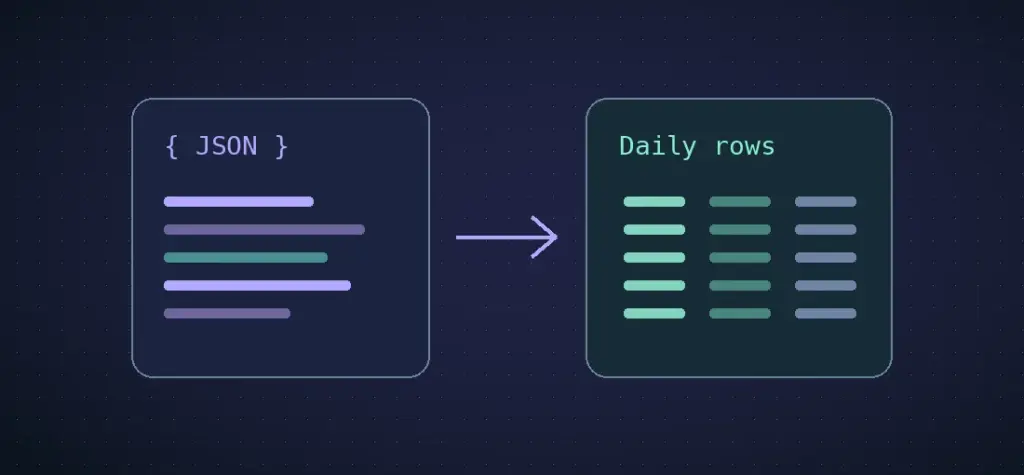
The response is an object keyed by trading date. Convert it into a chronologically sorted table with named columns. Keep the date as a YYYY-MM-DD string until the consumer needs a timestamp; this avoids shifting a date when a chart converts it into local time.
function numericField(fields, key) {
  const source = fields[key];
  if (typeof source !== 'string' || source.trim() === '') {
    throw new Error(`Missing field ${key}`);
  }
  const value = Number(source);
  if (!Number.isFinite(value)) throw new Error(`Invalid field ${key}`);
  return value;
}

const rows = Object.entries(series).map(([date, fields]) => {
  if (!/^\d{4}-\d{2}-\d{2}$/.test(date) || !fields || typeof fields !== 'object') {
    throw new Error('Unexpected daily record');
  }
  const close = numericField(fields, '4. close');
  const volume = numericField(fields, '5. volume');
  if (close < 0 || volume < 0 || !Number.isSafeInteger(volume)) {
    throw new Error(`Unexpected price or volume for ${date}`);
  }
  return { date, close, volume };
});
if (!rows.length) throw new Error('Daily series was empty');
rows.sort((a, b) => a.date.localeCompare(b.date));
console.log(JSON.stringify(rows, null, 2));
In a production collector, retain the provider response separately if your licence permits it. Store the clean result only after all checks pass. For a job that writes a local file, write to a temporary file in the same directory and rename it after verification. A quota response can then fail the run without replacing yesterday’s data.
Keep the meaning of the prices close to the numbers
Check whether the downstream user needs raw closes or a series adjusted for corporate actions. Keep that choice alongside the symbol, provider, endpoint and retrieval time. A chart of raw closes can show a step on the date of a split. A missing weekend is expected in a daily equity series, so avoid filling every absent calendar date with zero.
With the rows sorted and validated, the same three columns can drive a report image rendered from Node.js. The earlier article was by Ashley Davis. Read Davis’s original approach.